

Teens
Teen Programs

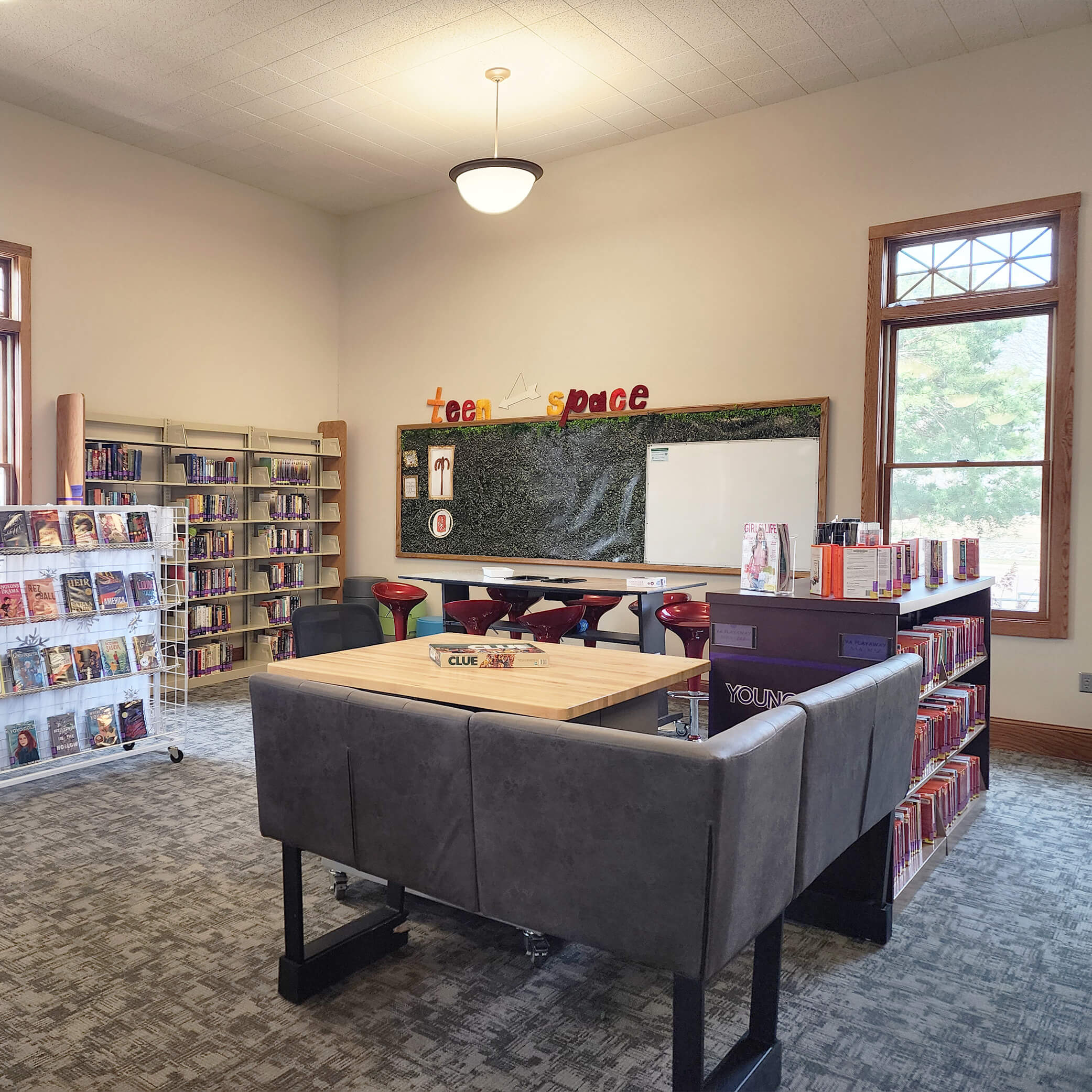
Teen Space
The teen space is designed for connection and exploration. Teens can gather, collaborate, and participate in activities that encourage creativity and social interaction. The environment supports both independent use and group engagement, making the library a welcoming place for teens to spend time, learn, and connect with others.
New Releases for Teens
Explore Digital Learning for Teens
Teens Resources
Check out a collection of online learning tools built for you—perfect for finding reliable information fast.
Use of the online resources provided by the South Dakota State Library is for educational purposes only. By opening the link to these resources, you agree to this use.
Teen Digital Resources
Library Tutorials
A learning hub of tutorials to help you use the digital library.
High School Homework Help
A curated set of research databases and educational resources tailored to support high school students with homework, projects, and learning across core subjects.
Provided by the South Dakota State Library
Middle School Homework Help
A curated set of research databases and educational resources tailored to support middle school students with homework, projects, and learning across core subjects.
Provided by the South Dakota State Library

South Dakota Driving Manuals
Study for your knowledge and road driving tests by downloading these driving manuals with rules of the road, safety information, and more. These manuals contain information you’ll need to know for your test.
Made available by the South Dakota Department of Public Safety
Libby/Overdrive
Borrow ebooks, audiobooks, and magazines on your devices.
Sign in by selecting Madison Public Library and entering your library card number. Your password is your last name all upper case. If your last name is long, stop after the first eight letters.
Download the Libby App by Overdrive using Google Play or Apple Store

Hoopla
Borrow and enjoy audiobooks, ebooks, comics, movies, TV, or music.
Create a hoopla account with your library card: “Get Started” → “Let’s Go.” Search by ZIP code (57042), choose Madison Public Library, then enter your email, create a password.
Download Hoopla using Google Play or Apple Store